15 Christmas Tree Wallpaper Ideas That Make Your Phone Feel Like December
Every November, the same thing happens to me. The weather turns, the first carols sneak into the shops, and my heart is fully ready for December.
Then I look down at my phone. Grey mountains. A plain blue swirl. The same boring default screen that has been sitting there since summer.
It sounds like a tiny thing, but think about it. You unlock your phone dozens of times a day. Every single glance is a small mood moment, whether you notice it or not.
Last year I swapped my screen for a glowing tree photo two weeks before December, and I swear my whole season felt warmer. My coffee tasted better. My shopping list felt less scary.
So this year I went hunting for the best Christmas tree wallpaper styles I could find, and I tested them on my own phone and laptop like a woman on a mission.
Below are my fifteen favorites, grouped by mood, so you can pick the one that feels like your kind of December. Cozy, fancy, cute, or calm, there is a tree here with your name on it.
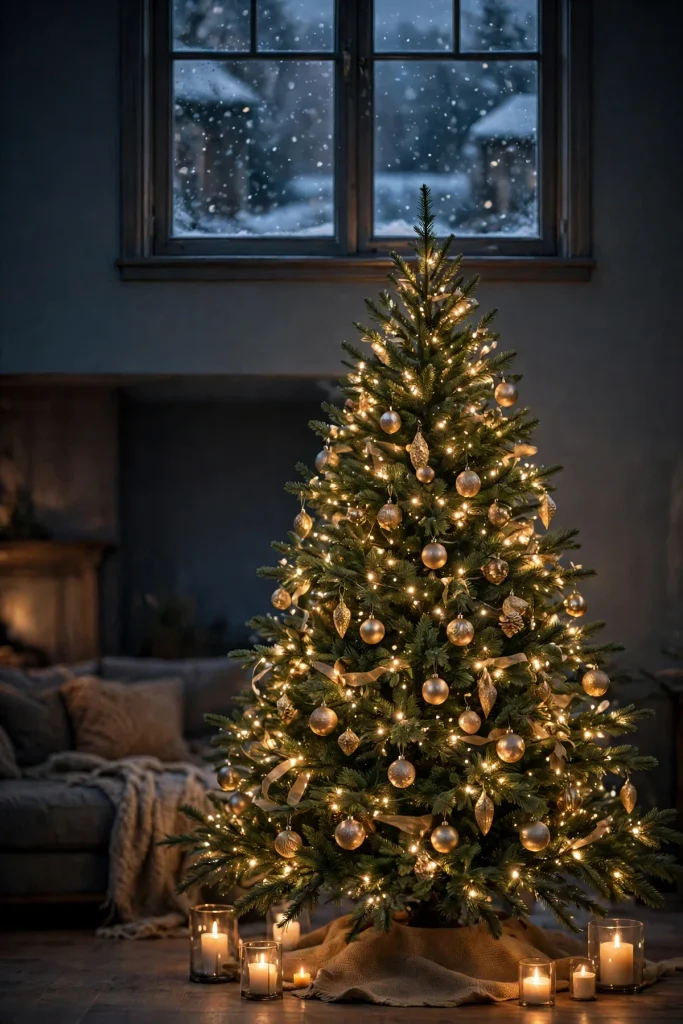
Pick the Right Fit for Your Screen
Before you fall in love with a picture, give it ten seconds of practical thought. A beautiful wallpaper in the wrong size turns into a blurry, cropped mess, and that is nobody’s idea of festive.
Most phones today use tall screens, around 1080 x 2400 pixels or similar. A portrait image with a 2:3 or 9:19.5 shape will sit nicely without stretching. For a desktop or laptop, you want the opposite, a wide landscape image, ideally 1920 x 1080 or bigger.
Here is the detail most people miss. Your lock screen clock lives in the top third of the screen. If the tree top, a star, or a bright ornament sits right there, the time becomes hard to read and the whole thing looks cluttered.
The wallpapers in this list were picked with that in mind. Look for scenes with calm, simple space in the upper third and the tree shining below it. Your clock stays clear, your apps stay readable, and the tree still gets to be the star.
One more quiet bonus. If your phone has an OLED screen, dark wallpapers can sip a little less battery, and they are much kinder to your eyes during those late-night December scrolls. The calm section at the end is full of them.
Cozy Cabin Glow
These are the warm socks of the wallpaper world. Think firelight, wood walls, and trees that look like they are hugging the room. If your dream December involves a blanket and a hot drink, start here.
1. The Classic Fireplace Tree
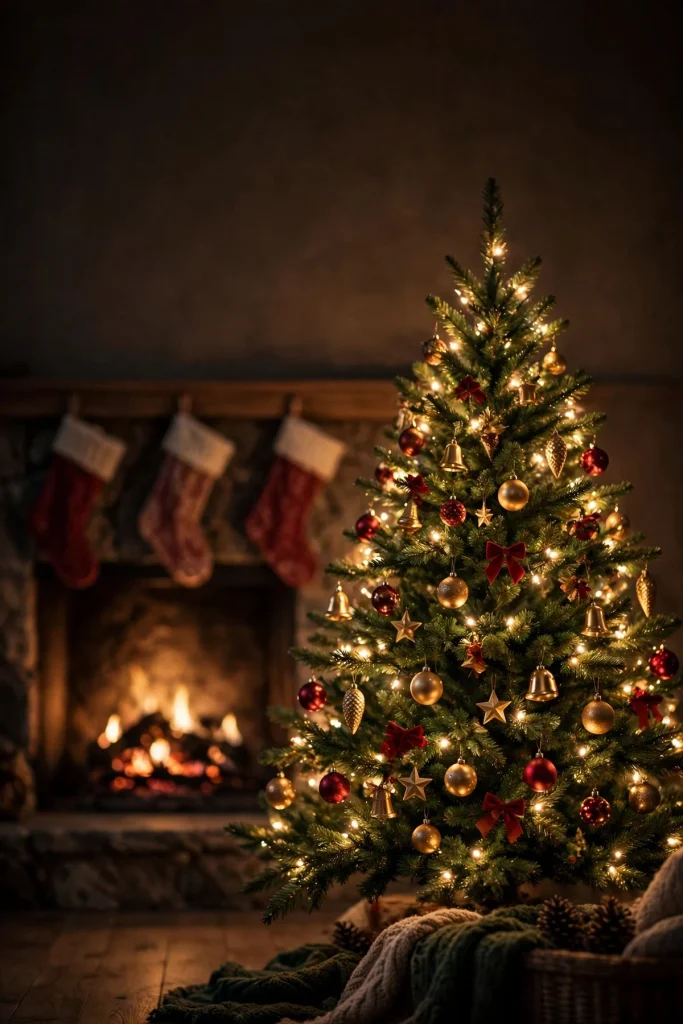
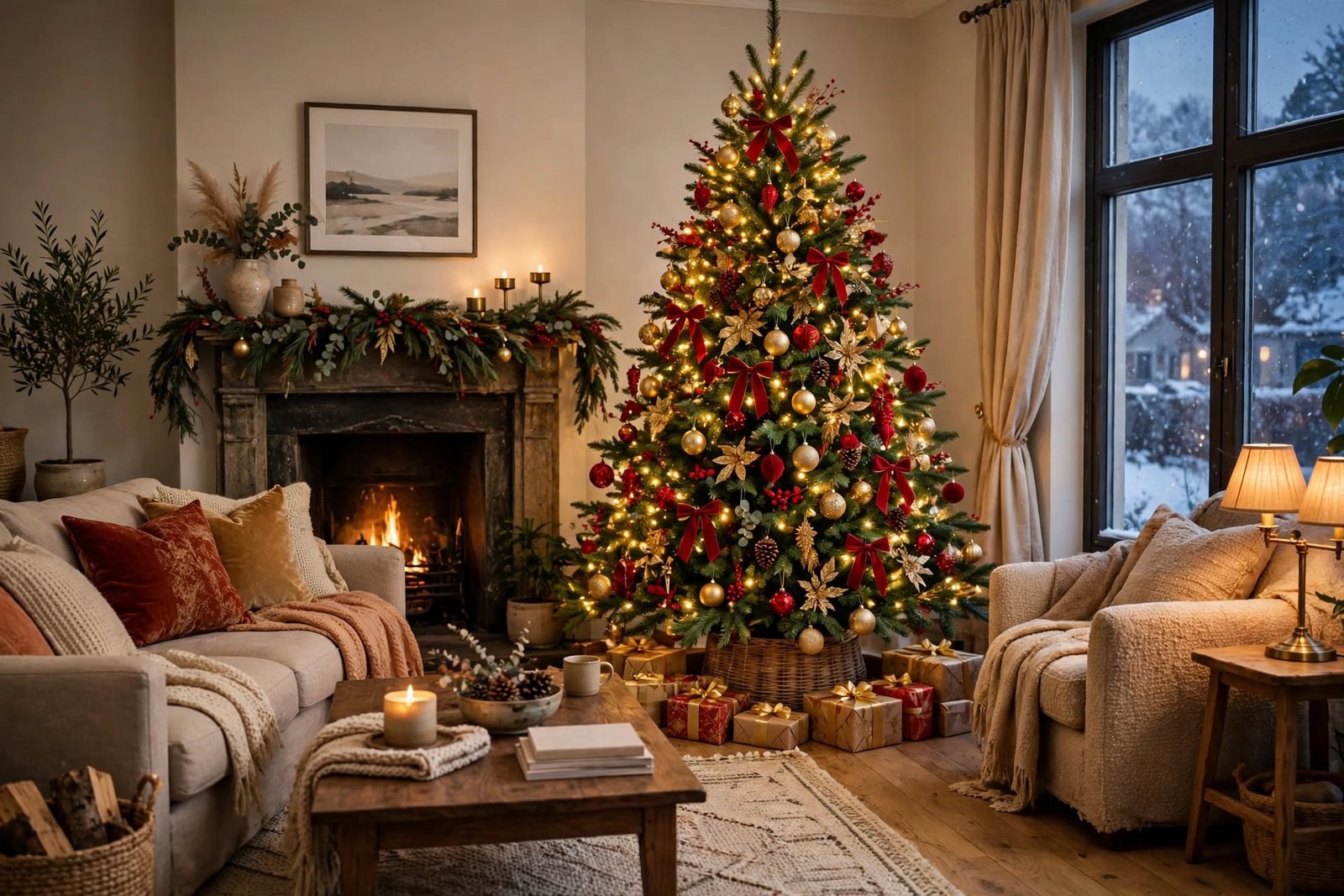
This is the wallpaper that started it all for me. A full green tree, dripping with warm white lights, standing guard next to a crackling fireplace.
It works beautifully as a lock screen because the top of the scene is usually a soft, dark wall. Your clock floats there with nothing fighting behind it.
On a home screen, the glow sits behind your apps like candlelight. It is busy in the prettiest way, so I like it best with a tidy first row of icons.
Best for: anyone who wants instant December the second they pick up their phone. It also makes a gorgeous tablet screen, where the fire has room to breathe.
2. Pinecones, Burlap, and Woodland Warmth
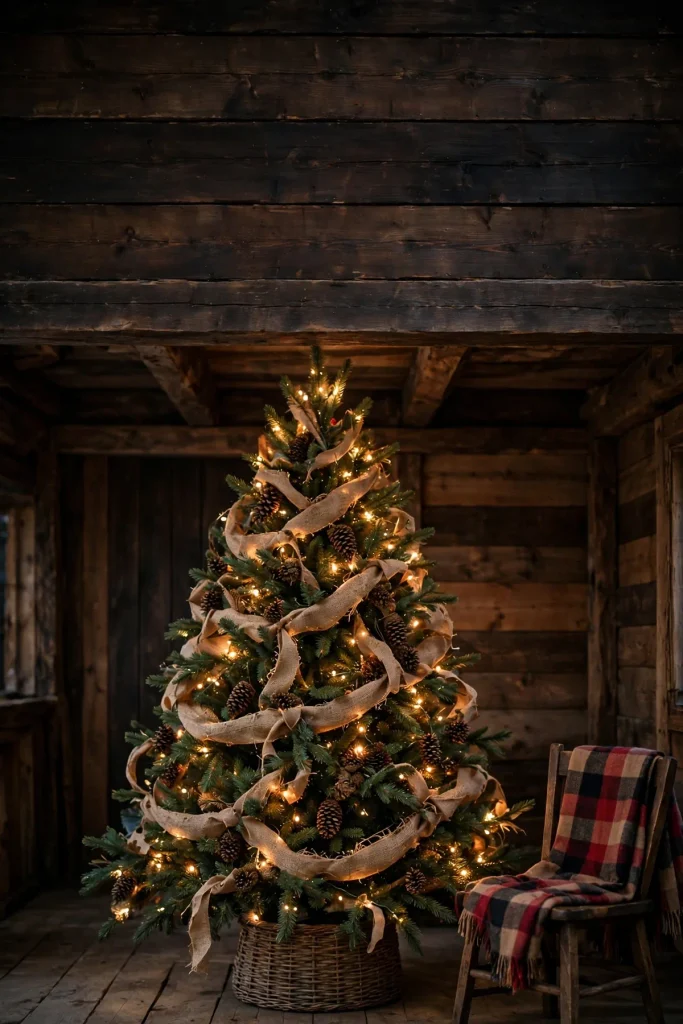
If your style leans rustic, this one feels like a deep breath in a pine forest. The tree wears pinecones, burlap ribbon, and soft lights instead of shiny bling.
I used this as my desktop wallpaper last year, in a wide version, and my plain little desk corner suddenly felt like a cabin retreat.
The earthy browns and deep greens are gentle on the eyes, which matters more than people think. You can stare at this one all day at work and it never shouts at you.
On phones, pick a version where the tree sits slightly low in the frame. The wooden wall space above it is perfect, calm territory for your clock and date.
3. The Snowy Window Tree
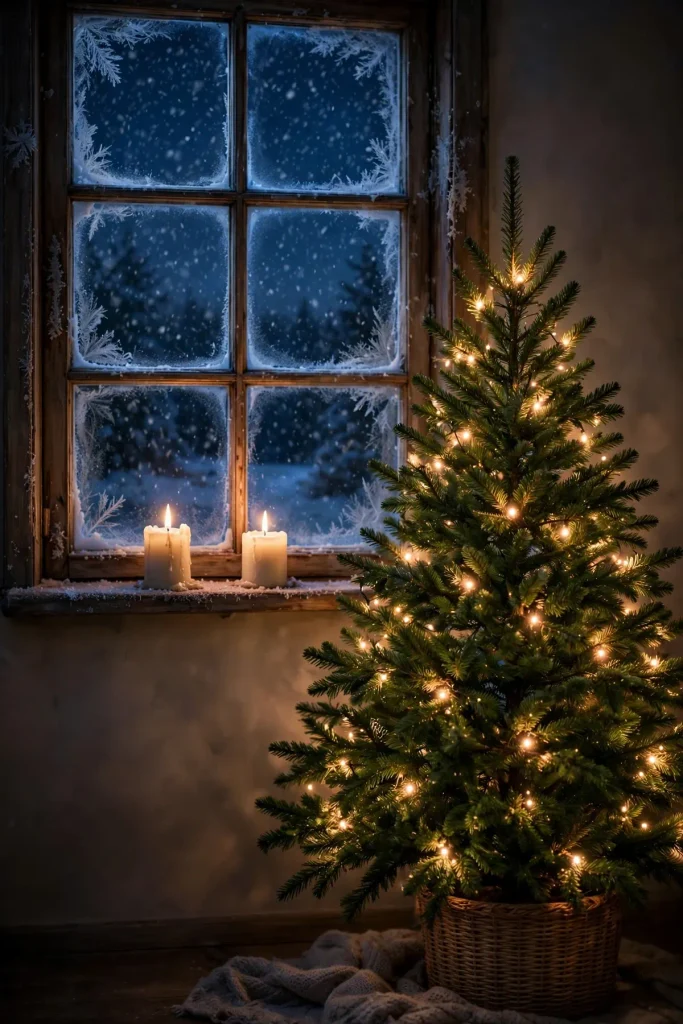
Picture this. A glowing tree inside, fat snowflakes drifting past a frosty window behind it, and two candles flickering on the sill.
This wallpaper has a story in it, and that is why I love it for the lock screen. Every unlock feels like peeking into a quiet house on a snowy night.
The blue night tones in the upper part of the scene are dark and plain, so white clock text pops clearly. No squinting, no shadow tricks needed.
It suits phones better than desktops, in my opinion. The tall window shape loves a tall screen. On a wide monitor it can feel a little lost unless you find a true landscape version.
4. Red and Gold, Just Like Grandma’s House
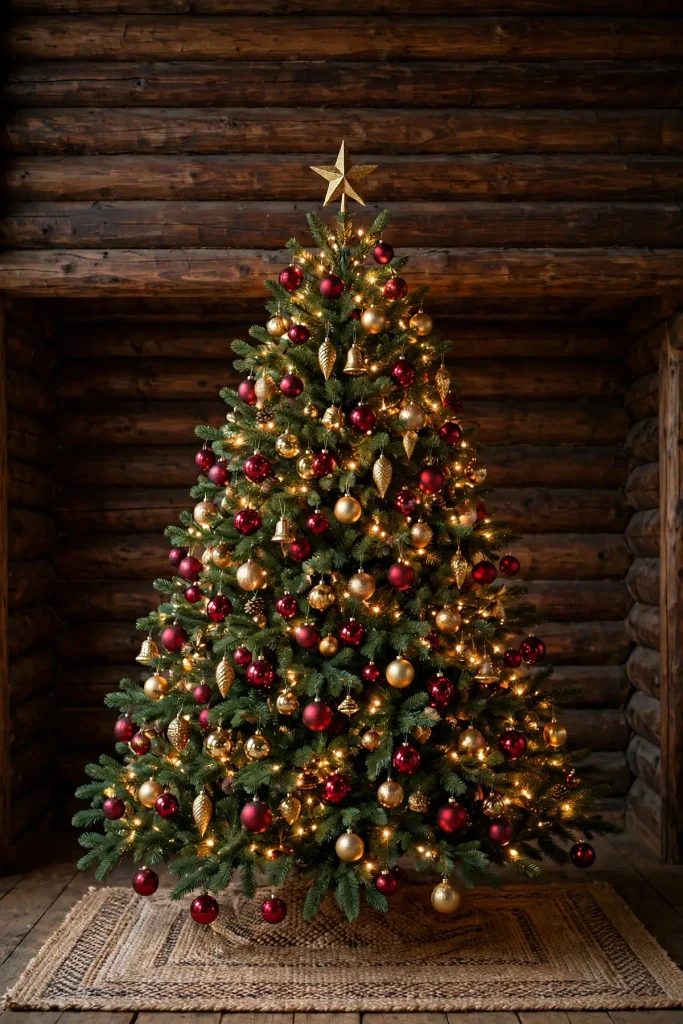
Some wallpapers are modern. This one is a memory. Deep red ornaments, shiny gold baubles, and a proper gold star, all on a tree inside warm wooden walls.
It is the most traditional look on this whole list, and honestly, some years that is exactly what my heart wants.
Because red is bold, this one shines brightest as a lock screen, where there are no app icons competing with it. On a home screen, the red can fight with colorful app tiles.
A little tip from my own testing. Turn your brightness down a touch with this one in the evening. The gold lights look richer, and the whole scene feels like lamplight instead of a screen.
Elegant Gold and White
Now we dress up. These four are for the woman who wants her phone to look like a boutique hotel lobby in December, all sparkle, soft light, and quiet luxury.
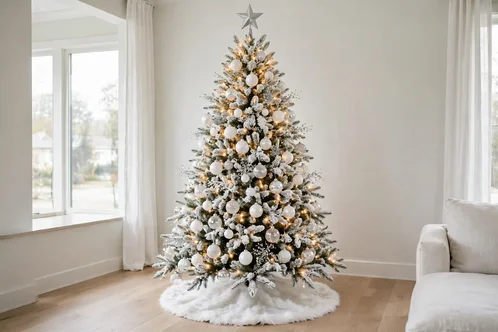
5. White Flocked Tree With Gold Everything
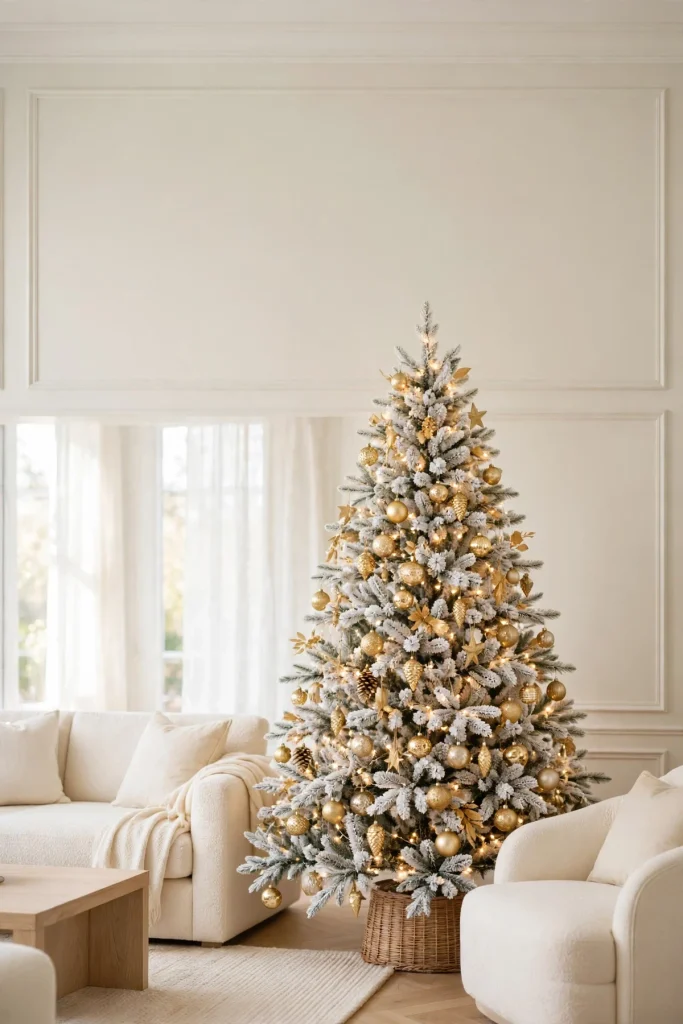
A snow-dusted white tree covered in gold ornaments is pure winter elegance. It looks expensive even when the wallpaper is completely free.
Bright wallpapers like this one are wonderful in the daytime. Your screen feels fresh and clean, and dark clock text reads perfectly against the pale upper branches.
One warning from experience. At night, a very bright screen in a dark room can feel like a flashlight. I pair this one with my phone’s night mode schedule, so it softens after dinner.
It also photographs beautifully as a matching set. Lock screen in the flocked tree, home screen in a softer gold from this same section, and your phone looks styled on purpose.
6. Champagne Gold on Marble
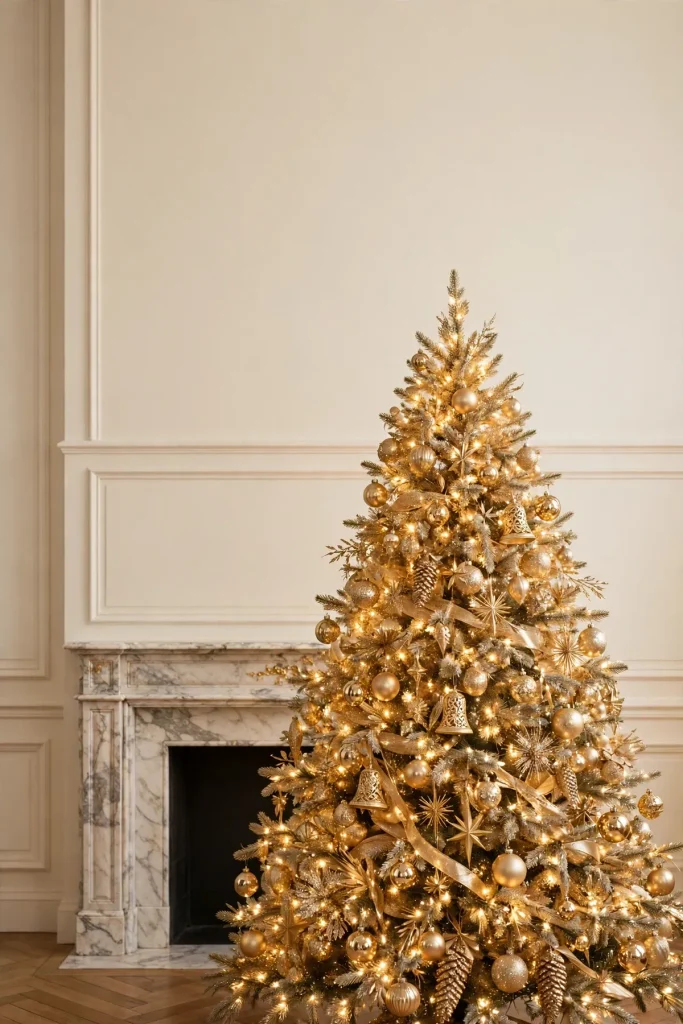
If gold is your love language, meet your tree. A champagne gold tree with metallic ornaments, glowing in front of a marble fireplace.
This is the most glamorous wallpaper on the list, and it knows it. I save it for party weeks, when my calendar is full and I want my phone to match my mood.
The warm cream tones in the top of the frame are a gift for readability. Both your clock and your app labels sit on them without any struggle.
On a desktop, this one looks stunning across a wide screen, especially in a home office. It reads less like a wallpaper and more like a styled magazine photo of your dream living room.
7. Pearls and Crystal Sparkle
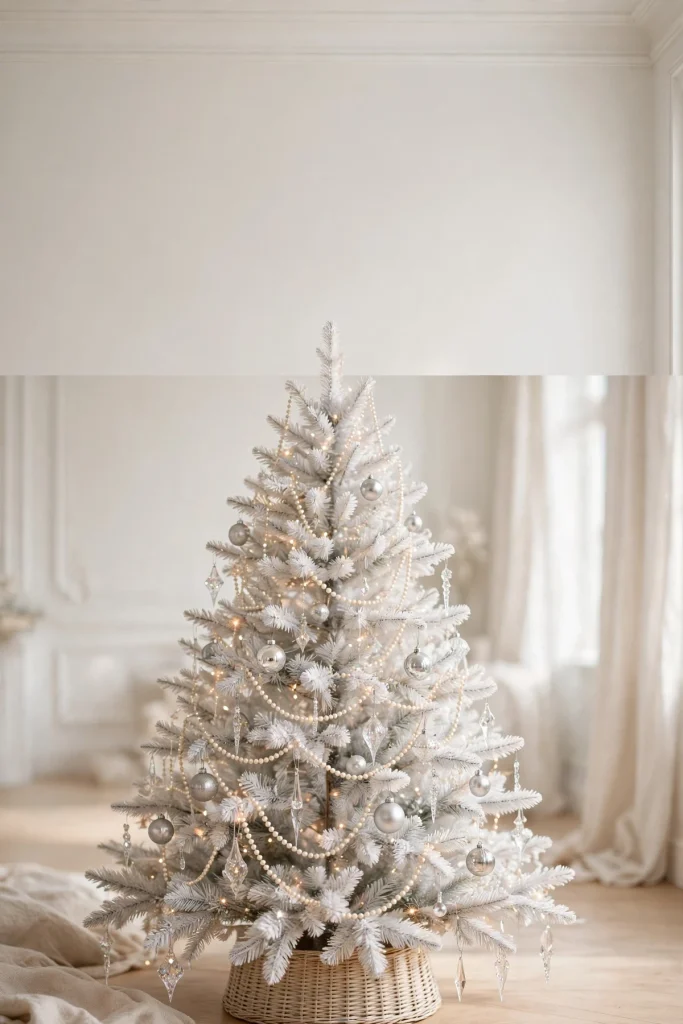
This tree skipped the color wheel entirely and went straight for pearls, crystal, and silver. Every branch catches the light like jewelry.
It is a dreamy pick for anyone who finds red and green a little loud. The whole scene is white on white, soft and airy, with sparkle doing all the talking.
Because the image is bright and detailed, give your icons some breathing room. I move most apps to the second screen and let the tree own the first one.
It is also the prettiest option here for a matching smartwatch face, if your watch allows photo faces. The crystal details shrink down surprisingly well.
8. Golden Bokeh Close-Up
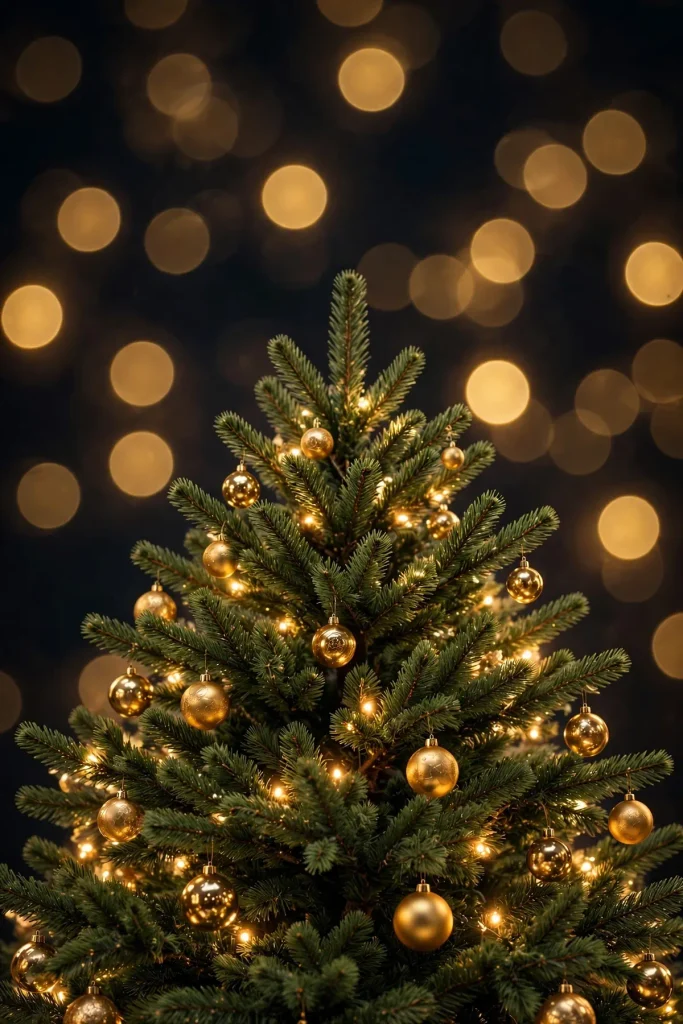
Sometimes you do not need the whole tree. This wallpaper zooms right into the branches, where warm golden bokeh lights melt into soft glowing circles.
It is abstract enough to stay classy all season, and it never clashes with a single app icon. The blurred lights are the friendliest background a home screen can ask for.
The darker golden tones sit somewhere in the middle, not bright, not moody. That makes it a kind pick for your eyes at any hour of the day.
I reach for this one in early November, when I want a hint of December without going full tree yet. It is the gentle on-ramp to the season, and it works on every screen I own.
Cute, Soft, and Playful
Time for the sweet ones. Pastels, candy, and tiny trees with big personalities. If December makes you feel like a kid again, this is your section.
9. The Pastel Pink Tree
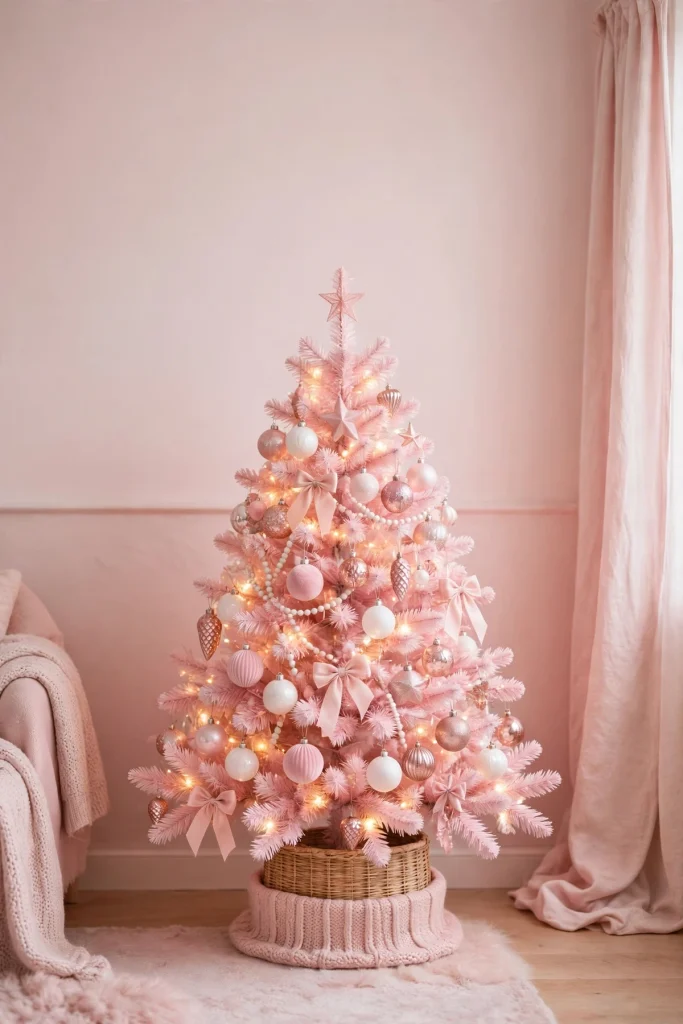
A pastel pink tree with rose gold and white ornaments is the wallpaper equivalent of a sugar cookie. Soft, sweet, and impossible to stay grumpy around.
Pink screens pair beautifully with light mode phones and pale cases. If your phone itself is pink or white, this looks like it was designed just for you.
The upper part of these scenes is usually a plain blush wall, which is perfect. Your clock sits on a soft, empty background and stays easy to read.
One honest note. Very pale wallpapers can wash out in bright sunlight outdoors. If you spend your December days outside, keep a darker backup ready for those glare moments.
10. Peppermint Candy Tree
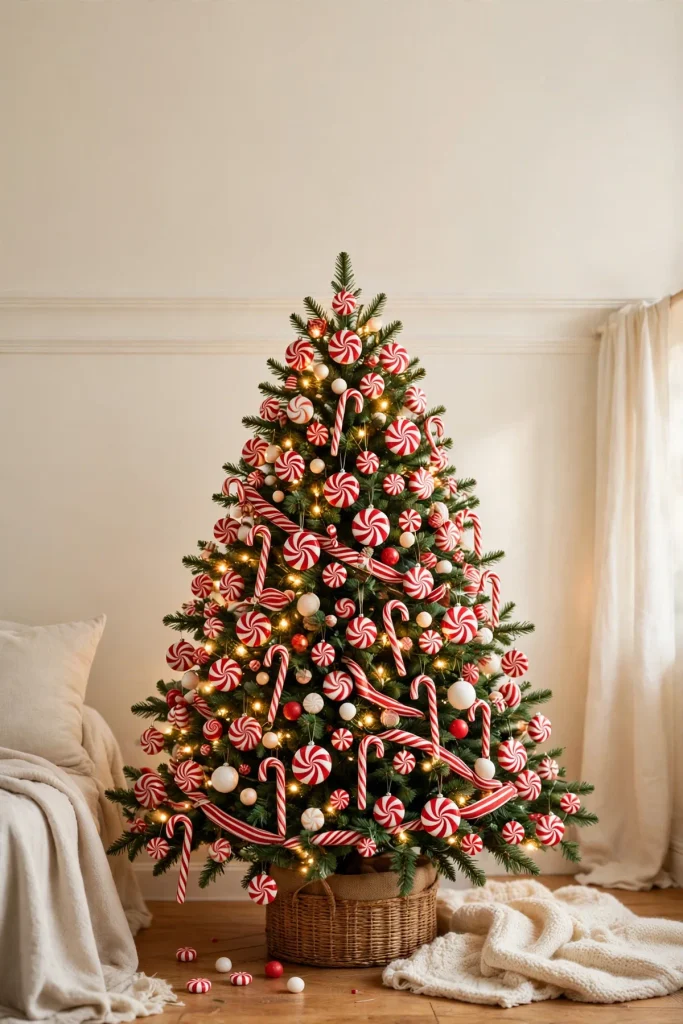
Red and white swirls, candy canes tucked into the branches, and lights that look good enough to eat. Almost. Please do not eat your phone.
This is the most playful wallpaper on the list, and kids absolutely love it. My niece borrowed my phone for one game and tried to keep it for the wallpaper.
The candy pattern is busy, so it behaves best on the lock screen. On a home screen, park it behind a single row of your most-used apps and let the swirls peek through.
It also makes a fun December surprise. Set it on a family member’s phone when they are not looking, and wait for the smile. You did not hear that idea from me.
11. The Tiny Desk Tree
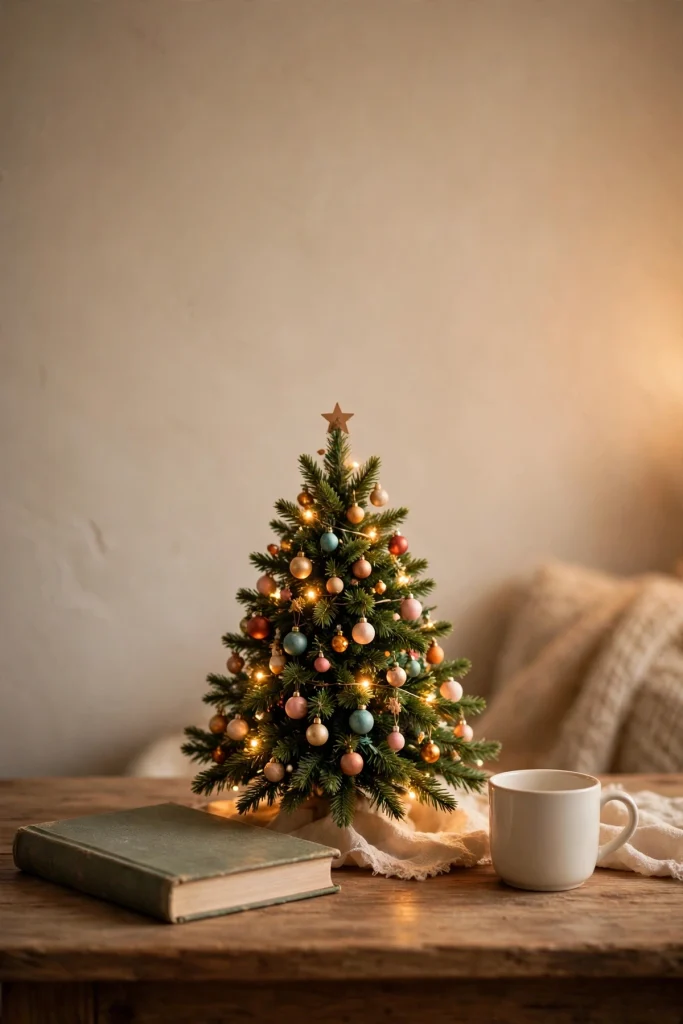
Not every tree needs to be six feet tall. This one is a small tabletop tree, covered in tiny ornaments, glowing away on a wooden desk.
There is something about the smallness that gets me. It feels hopeful, like a little bit of Christmas carried into an ordinary workday.
Because the tree is small in the scene, this wallpaper has loads of calm space up top. Clock, date, notifications, everything sits comfortably without covering the good part.
It is my top pick for a work phone or work laptop. Festive, but still calm and professional enough for a Monday morning meeting.
12. Rainbow Bauble Party Tree
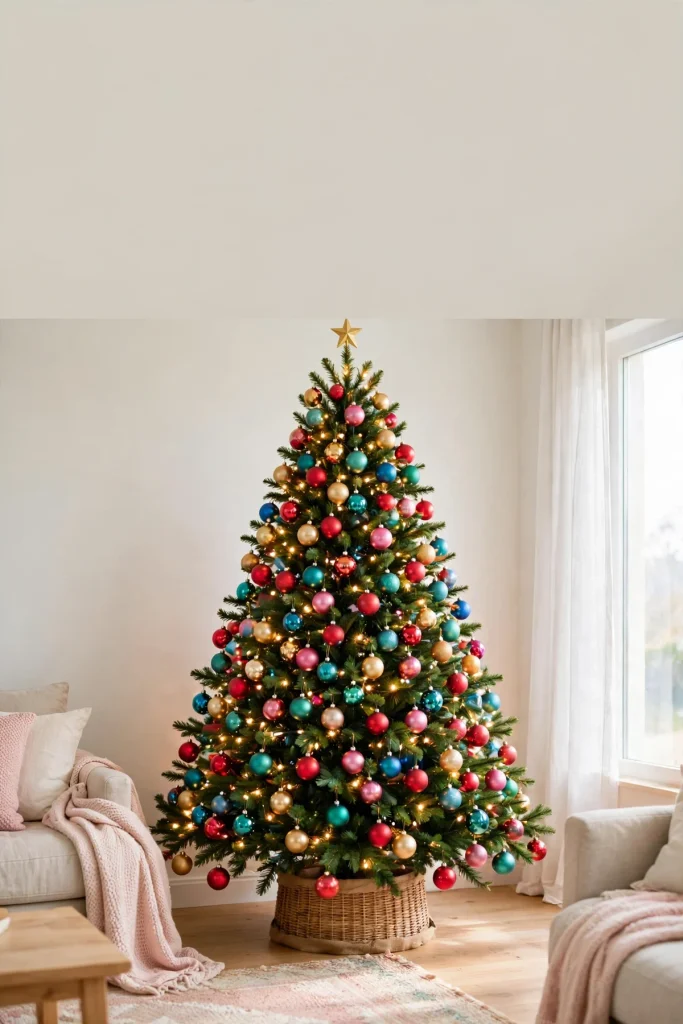
Red, teal, pink, gold, blue. This tree looked at the color rules and politely ignored every single one of them.
A rainbow bauble tree is pure joy, and it suits the friend who decorates early, sings loudly, and owns at least one Christmas sweater with bells on it.
With this much color going on, simple is the word for everything else. Use your plainest app layout, or let this one live on the lock screen where it can party without interruption.
On a tablet or desktop, the colors spread out and the effect is wonderful, like a box of ornaments spilled across your screen in the best possible way.
Calm and Minimal
And now, we exhale. These last three are quiet, dark, and simple. They are for the woman who loves December best at night, when the house is still and the lights are low.
13. One Lone Tree in the Snow
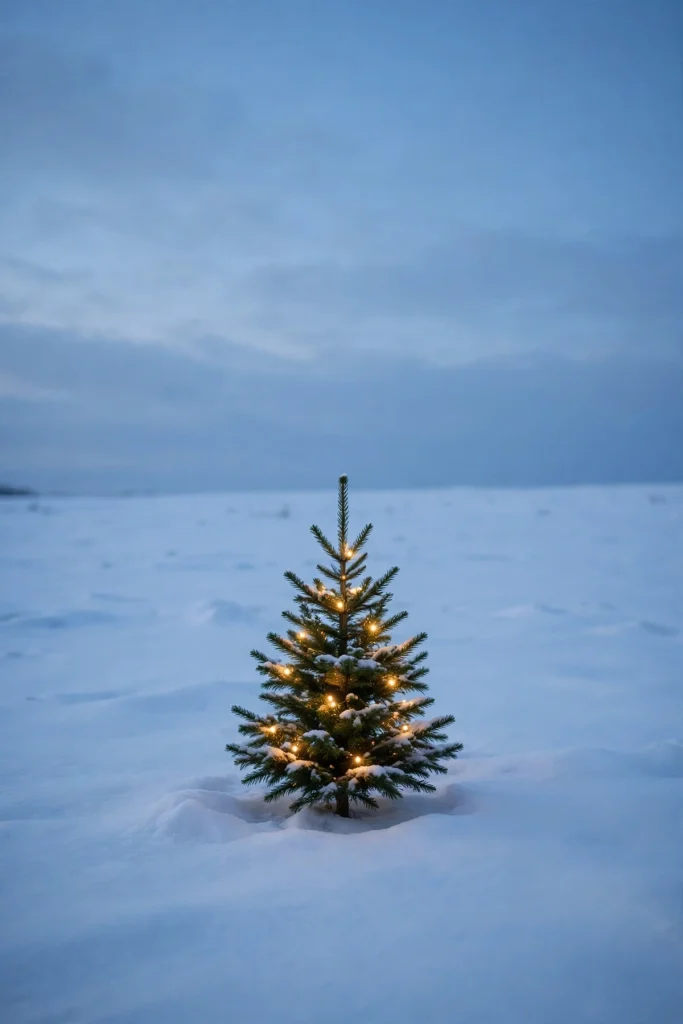
A single small tree, standing in an empty snow field at dusk, wearing just a few warm lights. That is the whole picture, and it is somehow everything.
Most of this image is calm blue sky and clean snow. Your clock and icons have endless room, and nothing on your screen will ever feel crowded.
This is the wallpaper I recommend to anyone who says Christmas decor is too much. It is December at a whisper instead of a shout.
The soft twilight blues are gentle before bed, too. If you check your phone last thing at night, this scene will not jolt you awake like a bright one can.
14. Scandinavian Sparse and Simple
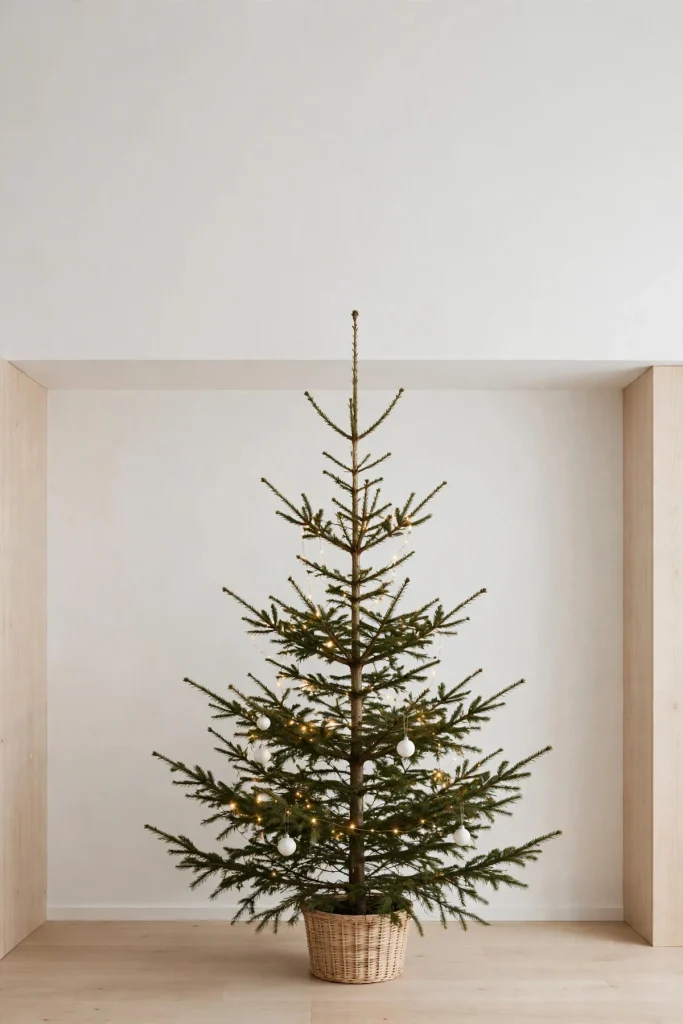
The Scandinavian approach is brave. Open branches, a few white ornaments, one strand of tiny lights, and a whole lot of calm empty space.
In a minimal room with pale wood and white walls, this tree looks like it belongs in a design magazine. On your phone, it looks like a deep, clean breath.
It is the most icon-friendly wallpaper here. Every app tile sits on a plain, light background, so this is a home screen hero through and through.
If you try only one new style this year, try this one. People are always surprised by how peaceful a nearly bare tree can make a busy phone feel.
15. The Dark One With Tiny Lights
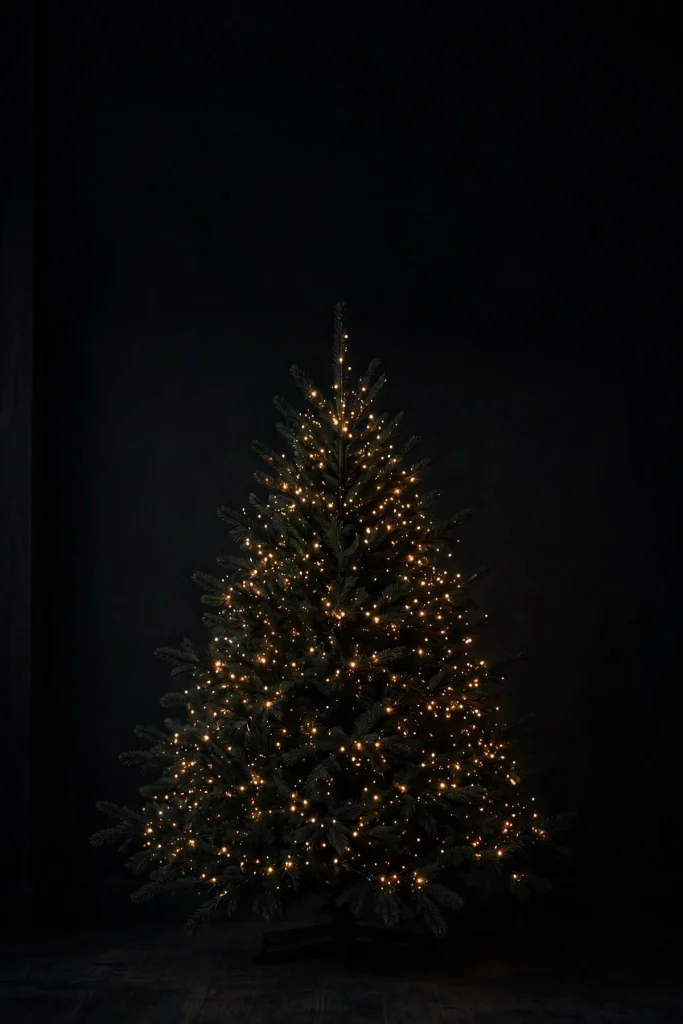
We end with my personal nighttime favorite. A tree in a dark room, covered in tiny warm pinpricks of light, glowing against near-black shadow.
Remember what I said about dark wallpapers and OLED screens? This is that idea at its best. Much of the screen is true black, which is gentle on your battery and even gentler on tired eyes.
The top of the frame is empty darkness, so your clock looks like it is floating in a night sky. It is simple, and it gets me every single time.
I switch to this one on December evenings, after the bright daytime screens have done their job. If your phone lets you schedule wallpaper changes, this pairing is a small daily luxury worth setting up.
FAQs
What size should a Christmas tree wallpaper be for my phone?
For most modern phones, a portrait image around 1080 x 2400 pixels works well. Taller, high-resolution images are safer than small ones, because your phone can crop a big image down, but it cannot add detail to a tiny one. If an image looks soft or pixelated after you set it, the file was too small. Pick the largest version you can find.
Why does my wallpaper look zoomed in or cut off?
Phones often crop a little from the edges to fill the whole screen, and some launchers zoom the image slightly when you swipe between home screens. To stay safe, choose images where the tree is not touching the edges of the frame. A little breathing room around the tree means the crop will never chop off the star or the bottom branches.
Should my lock screen and home screen match?
They do not have to, but a loose match looks lovely. My favorite trick is a detailed tree scene on the lock screen, where there are no icons, and a calmer cousin of it on the home screen, like a bokeh close-up or a darker version. Same mood, different energy. It makes unlocking your phone feel like walking into the room where the tree is.
Do dark Christmas wallpapers really save battery?
On phones with OLED or AMOLED screens, yes, a little. Those screens light up each pixel on its own, so black areas use almost no power. On other screens the saving is tiny to none. Either way, dark wallpapers are easier on your eyes at night, which is reason enough for many of us.
Can I use the same Christmas tree wallpaper on my desktop?
You can, but a tall phone image will look cropped and blurry on a wide monitor. Desktops want landscape images, ideally 1920 x 1080 or larger. Many of the styles in this list, like the fireplace tree and the champagne gold tree, exist in wide versions too. Match the shape to the screen and both will look sharp.
Final Thoughts
Your phone screen is the picture you look at most in December. More than your tree, honestly, if your screen time report is anything like mine.
So let it be a picture that makes you feel something. Cozy, elegant, cute, or calm, pick the tree that matches the December you want to have, and do not overthink it. You can swap it every week. I do.
Save this post for your next wallpaper refresh, and if one of these styles steals your heart, tell me which one in the comments. I read every single one, usually with a hot chocolate in hand. Happy December, friend.